Otter AI Review 2026: Is This Transcription Tool Worth Your Time and Money?
Picture this: you’re in a meeting, ideas are flying, and you’re trying to keep up with notes. Sound familiar? Otter AI promises to take that stress away. This tool uses smart tech to turn speech into text fast. In this Otter AI review, we’ll check out what it does, how it works, and if it’s worth your cash. Stick around to see if this could be your new favorite helper for meetings, classes, or interviews!
We’ll cover everything from features to pricing and even some downsides. By the end, you’ll know if Otter AI fits your needs. Let’s jump in and explore what makes this tool tick!
Key Takeaways
Here’s a quick rundown of what you’ll find in this review:
- Otter AI turns speech into text fast. It listens and writes what you say in real time.
- It has cool features. Think speaker labels, summaries, and links to apps like Zoom.
- Pricing fits different budgets. You can start free or pay for more minutes and perks.
- People like it, but it’s not perfect. Users love the ease, though some say it messes up words sometimes.
- Support and safety matter. A few folks worry about slow help and private data.
This list sums up the big points we’ll dig into. Whether you’re a busy worker, a student, or someone who hates taking notes, these highlights will help you decide if Otter AI is your match. Let’s get into the details now!
What is Otter AI?
Otter AI is a tool that changes spoken words into written text. It uses artificial intelligence to do this job. People use it for meetings, classes, and interviews. You talk, and Otter AI writes it down for you. This saves time and lets you focus on what’s being said.
The tool works in real time. You see the text as people speak. It’s great for keeping records without scribbling notes. Imagine a meeting where you don’t miss a thing because Otter AI catches it all. That’s the idea here! It’s simple to use and helps anyone who needs to save spoken info fast.
Key Features of Otter AI
Otter AI packs some handy features. Let’s break them down:
- Real time text. It writes what you say as you say it.
- Speaker labels. It knows who’s talking and tags them in the text.
- Summaries. It picks out main points so you don’t have to.
- App links. It works with Zoom, Google Meet, and Teams.
- Search easy. Find words in your text fast.
- Team sharing. Send your notes to others to work together.
These bits make Otter AI special. Real time text means you follow along live. Speaker labels keep things clear in group chats. Summaries save you from reading everything again. Plus, it fits right into apps you already use. Pretty cool, right? It’s like having a smart buddy taking notes for you.
How Does Otter AI Work?
Otter AI is easy to use. Here’s how it goes:Sign up. Make an account on their site or app.Link up. Connect it to your calendar or join a call.Start it. Hit record, and it listens and writes.Check it. Look at the text after and fix any mistakes.Share it. Send the text to your team or save it.
That’s it! You talk, and Otter AI does the rest. It listens live and shows the words on your screen. After, you can tweak the text if needed. Then share it with whoever needs it. It’s a simple way to keep track of what’s said without extra work.
Otter AI Pricing Plans
Otter AI has plans for everyone. Here’s what you get:
- Free Plan. Costs nothing. Gives 300 minutes a month. Each talk caps at 30 minutes.
- Pro Plan. Costs 16.99 dollars a month. Gives 1200 minutes. Talks go up to 90 minutes.
- Business Plan. Costs 30 dollars per user a month. Gives 6000 minutes. No talk time limit.
- Enterprise Plan. Costs vary. Made for big teams with special needs.
The free plan works if you just want to try it. Pro fits folks who need more time. Business is great for teams. Enterprise helps big groups with custom stuff. Pick what matches how much you talk and what you can spend!
User Experience and Interface
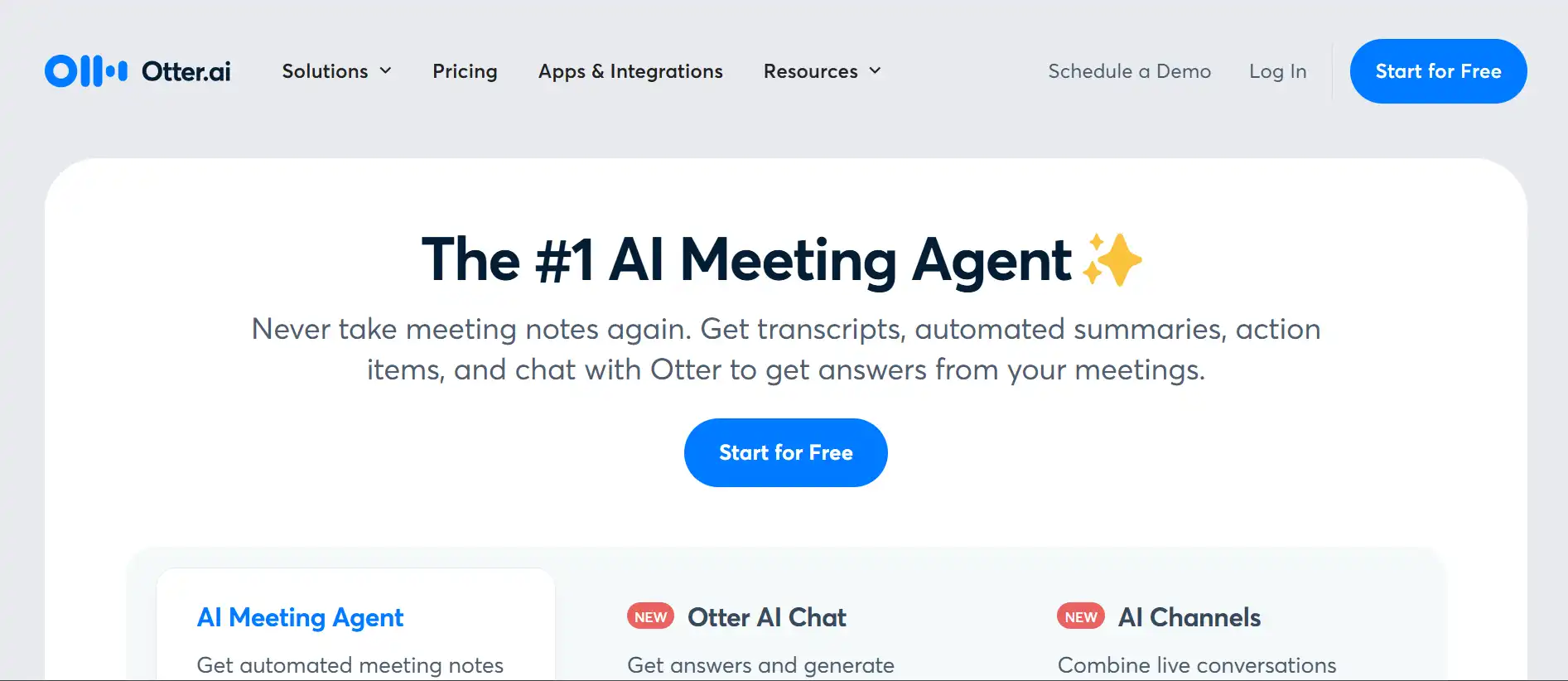
Otter AI feels nice to use. The screen is clear and simple. You sign in and see your past talks right away. A menu on the side shows your files and options. Starting a new recording takes one click.
People say it’s easy to figure out. You don’t need tech skills to use it. Editing text is smooth too. You can fix words right on the page. Some folks say it looks busy at first, but you get used to it fast. It’s built to help you focus on your talks, not the tool.
Accuracy of Transcription
Otter AI does well with clear voices. It gets most words right in quiet spots. Users like how it catches talk fast. But it’s not perfect. Noise or lots of voices can trip it up. Sometimes it mixes up who’s speaking too.
You can fix the text after, which helps. It’s good for most chats, but don’t expect every word spot on. If you’re in a loud place, it might miss some stuff. Still, it beats writing everything by hand for many people!
Integration with Other Tools
Otter AI plays nice with other apps. It hooks up to Zoom, Google Meet, and Teams. You set it to join your calls and it starts writing. This saves you from flipping between tools.
It also links to Dropbox and Google Drive. You can send your text there to keep it safe or share it. This makes it fit into your day without extra steps. It’s like a team player for your work apps!
Security and Privacy Concerns
Otter AI says it keeps your stuff safe. It uses locks on your data and stores it securely. That sounds good, right? But some people worry. They’ve seen it join calls it shouldn’t or send text to the wrong folks.
If you talk about private things, think twice. Check their rules on data to feel okay about it. Most users don’t have issues, but it’s smart to know what could happen with your info.
Customer Support
Otter AI’s help team gets mixed reviews. Some say they fix problems fast and friendly. Others wait a long time or don’t get answers. People have had trouble with bills or canceling plans too.
There’s a help page with tips and answers. That’s useful if you’re stuck. But if you need quick human help, it might not always shine. Keep that in mind if you lean on support a lot.
Pros and Cons of Otter AI
Let’s weigh the good and bad:
Pros:
- Fast text. Writes as you talk.
- Smart labels. Knows who speaks.
- App links. Fits with Zoom and more.
- Easy use. Simple for anyone.
- Free start. Try it with no cost.
Cons:
- Word slips. Misses in noise.
- Safety worries. Some data risks.
- Help varies. Support can lag.
- Free limits. Not much time.
Otter AI has strong points like speed and ease. But noise issues and support hiccups hold it back a bit. It’s up to what you need most!
Use Cases for Otter AI
Otter AI works for lots of things. Check these out:
- Work talks. Catch every idea in meetings. Share with your crew.
- School notes. Save lectures to study later. Teachers can share too.
- Interviews. Write down talks with no rush. Get every quote.
- Podcasts. Turn audio into text for notes or posts.
It’s handy wherever you need words saved. Busy at work? In class? Making content? Otter AI steps in to help you out.
Alternatives to Otter AI
Not sold on Otter AI? Try these:
- Rev. Costs more. Gives super accurate text with humans.
- Fireflies. Links to calls. Sums up talks like Otter AI.
- Descript. Great for audio edits and text. Loved by creators.
Each has its own perks. Rev nails accuracy. Fireflies keeps it simple. Descript adds editing power. See what fits your style!
Is Otter AI Worth It?
So, should you get Otter AI? It depends. If you want fast text and app links, it’s a winner. The free plan lets you test it too. But if you need perfect words or top safety, maybe look elsewhere.
For lots of folks, it saves time and hassle. Picture a meeting where you just listen, and it’s all saved. That’s Otter AI’s magic. Weigh your needs and give it a shot!
Final Thoughts on Otter AI
Otter AI is a solid pick for turning talk into text. It’s fast, friendly, and fits into your apps. Features like labels and summaries make it a time saver. Sure, it’s got some flaws—noise can mess it up, and support isn’t always quick. But for many, it’s a game changer.
If you hate note taking or need records fast, Otter AI could be your buddy. Try it out and see if it clicks for you. It’s all about making life easier, one talk at a time!
FAQs
How accurate is Otter AI’s transcription?
Otter AI does great with clear voices. It writes most words right in quiet spots. Noise or many speakers can confuse it. You can fix the text after to make it better.
Can Otter AI transcribe in multiple languages?
Otter AI sticks to English now. It doesn’t do other languages yet. They might add more later, so keep an eye out.
Is Otter AI secure for confidential meetings?
Otter AI locks your data and stores it safe. Some folks still worry about privacy. It’s rare, but it might share stuff by mistake. Check their rules if it’s private stuff.
How does Otter AI compare to human transcription services?
Otter AI is quick and cheap. Humans get more words right, especially tricky ones. If speed matters, Otter AI wins. If accuracy is key, humans might be better.
What are the limitations of the free plan?
The free plan gives 300 minutes a month. Each talk stops at 30 minutes. You get basic stuff, but more use needs a paid plan.