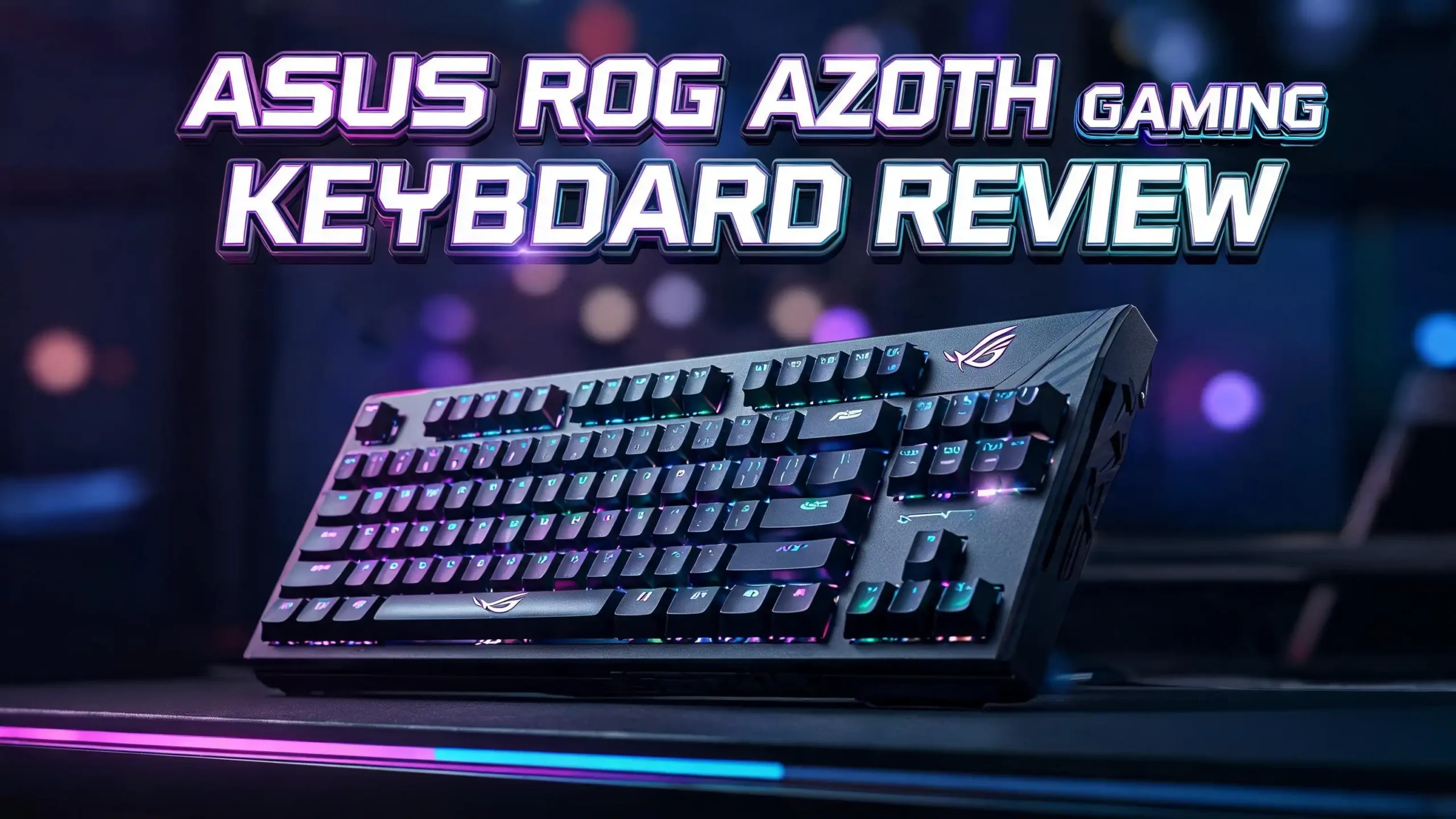
ASUS ROG Azoth Gaming Keyboard Review 2026: Is This Worth It?
The ASUS ROG Azoth is one of the most talked about gaming keyboards in 2026. It mixes premium build quality with deep customization. Many gamers want a board that feels great, sounds great, and plays great. This keyboard tries to do all three at once.
I spent weeks testing this keyboard for daily gaming and typing. The 75% layout gives you a compact footprint without losing arrow keys. You also get a small OLED screen, hot swappable switches, and long battery life.
In this review, I break down every part of the Azoth. You will learn about its design, switches, software, battery, and value. I also share who should buy it and who should skip it. By the end, you will know if this board fits your setup.
Key Takeaways
- The ASUS ROG Azoth uses a 75% layout that saves desk space while keeping arrow keys and a function row.
- You get up to 2000 hours of battery life in 2.4GHz wireless mode at low brightness, which is huge for a wireless board.
- The keyboard ships with hot swappable ROG NX switches that come pre lubed and feel smooth out of the box.
- A gasket mount design with three layers of dampening gives the Azoth a soft and quiet typing sound.
- The small OLED display shows system info and animations, but its real world use stays limited.
- The biggest weakness is the Armoury Crate software, which feels heavy and buggy for some users.
Design And Build Quality

- Tri-mode connectvity: Seamlessly connect to three devices via Bluetooth. Experience...
- Gasket Mount & Premium Sound Tuning: A silicone gasket mount and three layers of...

Last update on 2026-06-21 / Affiliate links / Images from Amazon Product Advertising API
The ASUS ROG Azoth feels solid the moment you pick it up. It weighs more than most plastic keyboards. This added weight keeps the board planted on your desk during fast gaming sessions.
The top plate uses a premium plastic shell with a metal accent strip. The build does not flex or creak. ASUS clearly put real effort into the chassis. The keyboard looks clean and serious, not flashy.
On the back you find a three way switch for wired, Bluetooth, and 2.4GHz modes. There is also a multi function knob and three control buttons near the OLED screen. These controls feel premium and click with purpose.
The PBT doubleshot keycaps resist shine and wear over time. The legends stay sharp and let RGB light shine through. I like how the texture feels under my fingers during long sessions.
The board sits at a comfortable height with two step feet. You can angle it to match your wrist position. ASUS also includes a wrist rest in the box, which adds comfort during marathon gaming.
Overall, the design earns high marks. It blends gamer style with enthusiast keyboard touches. The Azoth looks at home on both a battlestation and a clean office desk.
Typing Experience And Sound
The typing feel is where the ASUS ROG Azoth shines. The gasket mount design lets the keys flex slightly with each press. This gives a soft and cushioned bounce that many typists love.
ASUS adds three layers of dampening foam inside the case. This foam removes hollow echo and pings. The result is a deep and muted sound that feels expensive. Few gaming brands get this right.
I typed for hours and felt little fatigue. The pre lubed switches and stabilizers glide smoothly. There is almost no rattle on the larger keys like space and shift. This level of polish is rare at this price.
The sound profile leans toward a creamy and thocky tone. It is not loud or clacky. If you share a room or stream often, this quiet sound helps a lot. Your mic will not pick up harsh key noise.
The 75% layout keeps your hands close together. Your mouse hand stays nearer to your keyboard hand. This small change reduces shoulder strain over long sessions. Competitive gamers will notice the comfort.
In short, the Azoth types like a custom built board. ASUS took ideas from the enthusiast community and made them mainstream. This is the strongest part of the whole package.
ROG NX Switches And Hot Swap Feature
The ASUS ROG Azoth ships with ROG NX switches in three flavors. You can pick Red linear, Brown tactile, or Blue clicky. Each one targets a different style of player.
The Red linear switches feel smooth from top to bottom. They suit fast paced shooters where quick taps matter. The Brown switches add a small bump for typists who want feedback. The Blue ones click loud for people who love that sound.
The best part is the hot swap socket under each key. You can pull out a switch and drop in a new one. No soldering is needed. This lets you change the feel of your board anytime.
ASUS includes a switch puller, lube kit, and extra switches in the box. This shows the brand wants you to experiment. Most gaming keyboards never include these tools.
The switches come pre lubed from the factory. This means they feel smooth right away. You do not need to mod them to enjoy a premium feel. That saves you time and effort.
If you grow tired of one switch type, you can swap to another. You can even use third party switches from other brands. This future proofs your keyboard and makes it last longer. The hot swap feature alone adds real long term value.
Top 3 Alternative For ASUS ROG Azoth
The Corsair K65 Plus Wireless gives you a similar 75% wireless layout for less money. It uses smooth MLX Red switches and offers a great typing feel. This is the best budget friendly pick.

- Standout Style and Superstar Performance: The Frost White colorway and single-color...
- CORSAIR MLX Red v2 Switches: Pre-lubricated CORSAIR MLX Red v2 linear mechanical switches...
Last update on 2026-06-21 / Affiliate links / Images from Amazon Product Advertising API
The Keychron Q1 Pro is a full metal board with QMK and VIA support. It is heavier and more customizable for enthusiasts. It also works great on both Mac and Windows.

- Wireless and Full Metal: Meet the Keychron Q1 Pro, a groundbreaking full metal QMK/VIA...
- Multitasking Wirelessly and Wired Connections: You can connect the Q1 Pro with up to...
Last update on 2026-06-21 / Affiliate links / Images from Amazon Product Advertising API
The Logitech G PRO X TKL Lightspeed is built for pure competitive gaming. It uses a tenkeyless layout and focuses on speed and reliability. Esports players will feel right at home with it.

- Designed with Pros, Engineered to Win: PRO X TKL gaming keyboard is the next gen of the...
- Play with tournament-proven speed and reliability of LIGHTSPEED wireless: Connect...
Last update on 2026-06-21 / Affiliate links / Images from Amazon Product Advertising API
Battery Life And Wireless Performance
Battery life is a huge strength of the ASUS ROG Azoth. ASUS claims up to 2000 hours in 2.4GHz mode with the RGB lighting off. That number sounds wild, but it holds up in real use.
If you keep the lights low, you can go weeks or months between charges. This is far better than most wireless gaming keyboards. Many rivals struggle to last a single week with lights on.
The board offers three connection modes. You can use the 2.4GHz dongle, Bluetooth 5.1, or a USB Type C cable. The 2.4GHz mode gives you the lowest latency for serious gaming.
In my testing, the wireless latency felt instant. I noticed no lag in fast shooters. The connection stayed stable across the room. ASUS clearly tuned this for competitive play.
Bluetooth mode lets you connect to phones, tablets, and laptops. It is handy for typing on the go. The mode switch on the back makes it easy to jump between devices.
Charging happens over the included USB Type C cable. You can keep gaming while it charges in wired mode. The long battery and strong wireless make this board easy to live with every day.
OLED Display And Control Knob
The ASUS ROG Azoth has a small OLED screen in the top right corner. This screen shows system stats, battery levels, and fun animations. It is a unique touch you rarely see on keyboards.
You can display CPU usage, time, and connection status. The screen also shows custom GIFs and images. Some users load their own art onto it. This adds a personal flair to your setup.
Next to the screen sits a three way control knob. You can scroll it to change volume or brightness. You can also press the three buttons to switch screen modes. The knob feels smooth and premium.
In honest terms, the OLED screen is more fun than useful. You will not stare at it during gaming. Most info is small and hard to read in a fast match. But it does add charm to the board.
The knob, on the other hand, gets real daily use. Volume control on the fly is very handy. I reach for it more than any media key. This is a small but smart design choice.
So the screen is a nice extra, not a core feature. If you love gadgets, you will enjoy it. If you want pure function, you will mostly ignore it. Either way, it does not hurt the experience.
RGB Lighting And Aura Sync
The ASUS ROG Azoth brings bright and clean per key RGB lighting. Each switch has its own LED. The colors look vivid and even across the board. The PBT keycaps let the light shine through the legends.
ASUS uses its Aura Sync system to control the lights. You can match the keyboard glow with other ASUS gear. This includes mice, headsets, and graphics cards. The whole setup can pulse in one theme.
You get many lighting effects to choose from. There are waves, ripples, reactive presses, and static colors. You can set the speed and brightness to your taste. The options cover most styles.
Keep in mind that RGB drains the battery fast. The 2000 hour rating assumes the lights stay off. With lights on, expect closer to 100 hours or less. You must balance looks and battery.
The lighting looks great in a dark room. It adds mood to your gaming space without going overboard. The effects feel smooth and never choppy. ASUS tuned the LEDs well.
For most gamers, the RGB hits the right note. It is bright enough to stand out but not too loud. You can dial it up for show or down for battery. This flexibility is a nice win.
Armoury Crate Software
The Armoury Crate software is the weakest link of the ASUS ROG Azoth. The hardware shines, but the software holds it back. Many users report bugs and slow loading times.
The app lets you remap keys, set macros, and tune RGB. It also manages the OLED screen content. The features are deep, but the layout feels cluttered. New users may feel lost at first.
The software runs heavy in the background. It uses more system resources than it should. Some gamers prefer lighter apps that just work. Armoury Crate asks for a lot of patience.
I ran into a few connection hiccups during setup. The app sometimes failed to detect the board. A restart usually fixed it. Still, these issues should not happen on a premium product.
Once you set up your profiles, you can mostly close the app. The settings save to the keyboard memory. This means your macros and RGB still work without the software running. That is a small relief.
If ASUS improves this software, the Azoth would be near perfect. The hardware deserves a cleaner app. For now, this is the main thing to know before you buy. Be ready for some software frustration.
Gaming Performance In Real Use
The ASUS ROG Azoth performs well across all game types. The low latency 2.4GHz mode keeps your inputs fast. I felt no delay in shooters, MOBAs, or racing games.
The 75% layout keeps arrow keys within reach. This helps in games that use them for movement or menus. You lose the number pad, but most gamers do not miss it. The trade off is worth the saved space.
The ROG NX Red switches shine in fast games. Quick double taps register cleanly. The smooth travel helps with rapid movement. Aim and strafe feel natural after a short adjustment.
The N key rollover means every press counts. You can mash many keys at once with no ghosting. This matters in chaotic team fights. The board never dropped an input during my tests.
The included wrist rest keeps your hands comfy during long raids. Comfort affects performance more than people think. A tired hand makes more mistakes. The Azoth helps you stay sharp longer.
Overall, this board handles serious gaming with ease. It competes with top esports keyboards on speed. It also adds comfort and sound quality they lack. For all around gaming, it is a strong choice.
Price And Value For Money
The ASUS ROG Azoth launched at a premium price point. It often lists around 250 dollars at full price. That places it among the most expensive gaming keyboards. But the price often drops.
I have seen the Azoth fall to 150 dollars or so during sales. At that price, it becomes a fantastic deal. You get custom keyboard features for the cost of a normal gaming board.
You must judge the value by what you get. The board includes switches, lube kit, tools, and a wrist rest. Most rivals charge extra for these. ASUS packs real value into the box.
The hot swap feature adds long term value. You can change switches as your taste shifts. This keeps the board fresh for years. You will not need to buy a new keyboard soon.
For a casual gamer, the full price may feel steep. For an enthusiast, the price makes sense. The build, sound, and features match boards that cost much more. Patience for a sale brings the best deal.
In the end, the Azoth offers strong value at a discount. At full price, it asks a lot. Watch for deals and you will be happy. The quality justifies the cost for the right buyer.
Pros And Cons Of The ASUS ROG Azoth
Every keyboard has strengths and weaknesses. Here is a clear look at both sides of the ASUS ROG Azoth. This helps you weigh your choice fast.
On the plus side, the typing feel and sound are excellent. The gasket mount and foam create a premium experience. Few gaming boards match this quality.
The battery life is outstanding in low light mode. The hot swap switches add flexibility. The build quality feels solid and lasts. The included extras add real value to the box.
The 75% layout saves space while keeping key functions. The wireless performance feels fast and stable. The RGB looks clean and bright. These are all big wins.
On the down side, the Armoury Crate software frustrates many users. It runs heavy and shows bugs. This is the main complaint across reviews.
The OLED screen feels more like a gimmick. It is fun but not very useful. The full price runs high for casual buyers. RGB also cuts the battery life sharply.
In balance, the pros outweigh the cons by a wide margin. The hardware is excellent and the software is the weak spot. If you can live with the app, you will love this board.
Who Should Buy The ASUS ROG Azoth
The ASUS ROG Azoth fits a specific type of buyer. Knowing if you are that person saves you money. Let me break down the best matches.
This board suits the enthusiast gamer who wants custom keyboard quality. If you love a great typing sound, you will be happy. The gasket mount and foam deliver that premium feel.
It also fits wireless lovers who hate charging often. The huge battery life means fewer cable worries. You can game in peace for weeks at a time.
People who like to tinker and mod will enjoy the hot swap feature. You can swap switches and try new feels. This keeps the hobby fresh and fun. The included tools help a lot.
Streamers and shared room users benefit from the quiet sound profile. The board will not annoy others or your mic. This is a smart pick for content creators.
You should skip the Azoth if you want a simple plug and play board. The software learning curve may frustrate you. You should also wait for a sale if budget matters. The full price is steep for casual use.
If you match these traits, the Azoth is a great buy. It rewards users who value quality and customization. For the right person, it is one of the best boards in 2026.
Final Verdict
The ASUS ROG Azoth earns its strong reputation in 2026. It blends gaming speed with enthusiast keyboard polish. Few brands pull this off so well.
The typing feel, sound, and build are the main reasons to buy. The huge battery and hot swap feature add lasting value. This board feels like a custom build for less effort.
The Armoury Crate software is the one big flaw. It can frustrate during setup. But once you finish, you can mostly ignore it. The hardware makes up for the software pain.
I rate the Azoth as one of the best premium 75% wireless boards you can buy. It competes with both gaming and custom keyboards. At a sale price, it becomes an easy recommendation.
If you want a board that feels great and lasts long, the Azoth delivers. Just watch for a deal and prepare for the software. With those in mind, you will enjoy this keyboard for years.
Frequently Asked Questions
Is the ASUS ROG Azoth good for gaming?
Yes, the ASUS ROG Azoth is excellent for gaming. It offers low latency 2.4GHz wireless and N key rollover. The fast switches and 75% layout suit shooters and fast games well.
How long does the ASUS ROG Azoth battery last?
The battery lasts up to 2000 hours in 2.4GHz mode with RGB off. With the lights on, expect closer to 100 hours. Lower brightness gives you much longer life between charges.
Does the ASUS ROG Azoth have hot swappable switches?
Yes, the Azoth supports hot swappable switches. You can pull out a switch and drop in a new one with no soldering. It also includes a switch puller and lube kit in the box.
Is the ASUS ROG Azoth worth the price?
The board is worth it at a sale price near 150 dollars. At full price it asks a lot. Enthusiasts who value sound and build will find strong value either way.
What switches come with the ASUS ROG Azoth?
The Azoth ships with ROG NX switches. You can choose Red linear, Brown tactile, or Blue clicky. All of them come pre lubed from the factory for a smooth feel.
Can you use the ASUS ROG Azoth wired?
Yes, you can use it wired with the included USB Type C cable. Wired mode lets you charge and game at once. You can also connect over Bluetooth 5.1 or the 2.4GHz dongle.