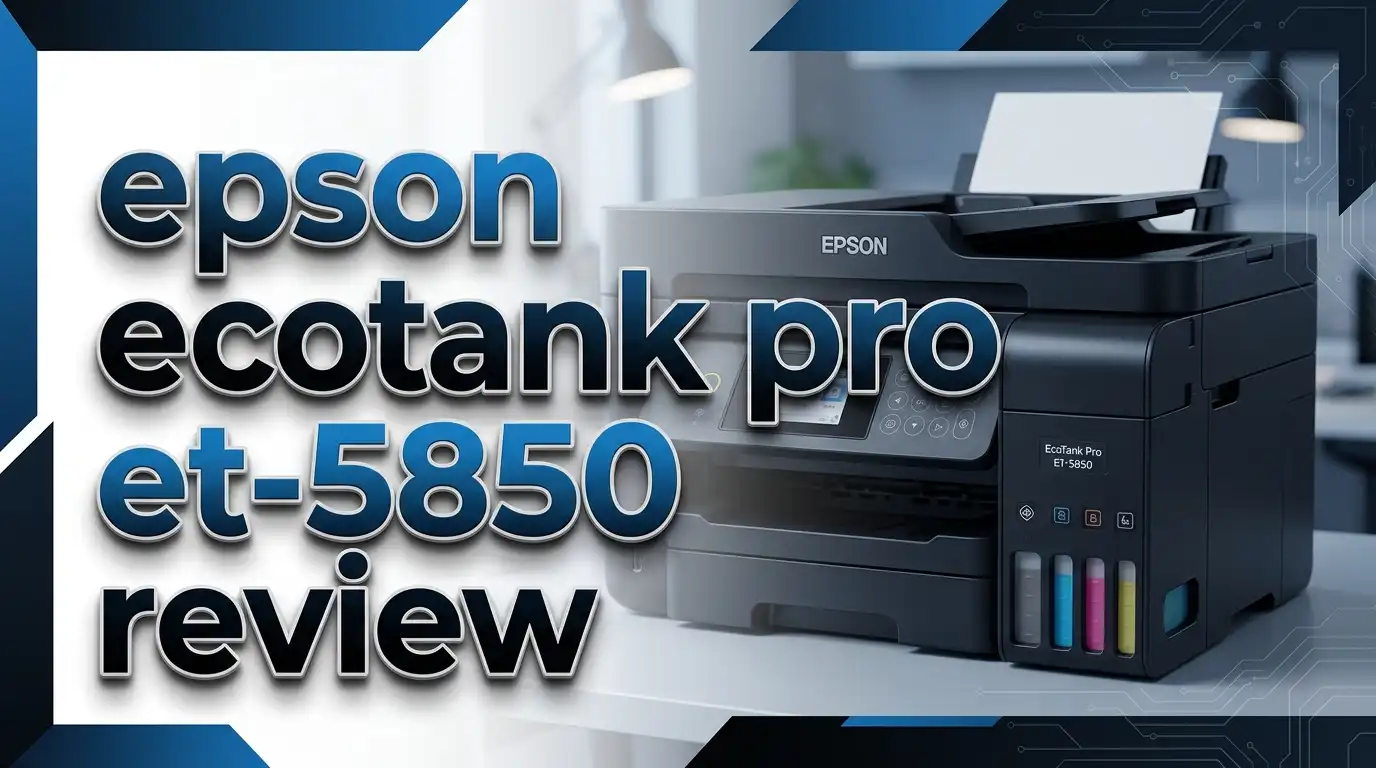
Epson EcoTank Pro ET-5850 Review 2026: Best Supertank Printer for Home?
Are you tired of spending a fortune on ink cartridges every few months? The Epson EcoTank Pro ET-5850 promises to change that. This all-in-one supertank printer has earned a strong reputation for blazing-fast print speeds, ultra-low running costs, and a feature set that rivals machines twice its price. But does it still hold up in 2026?
In this detailed review, we break down everything you need to know about the ET-5850. We cover print quality, speed, ink costs, paper handling, connectivity, and more.
We tested the ET-5850 against its closest competitors. We checked real-world performance, long-term reliability, and overall value for money. Keep reading to find out if this printer is the right pick for you in 2026.
Key Takeaways
- Ultra-low cost per page: The ET-5850 prints at roughly 2 cents per color page, compared to 14 cents with traditional ink cartridges. Each replacement ink bottle set yields up to 7,500 black pages and 6,000 color pages, so you spend far less on ink over time.
- Fast print speeds for an inkjet: This printer delivers up to 25 ISO ppm in both black and color. In real-world testing, it hit 28.7 ppm for plain text documents. That speed beats most competing inkjet all-in-ones by a wide margin.
- Generous paper capacity: The ET-5850 holds 500 sheets across two front trays, plus a rear specialty-paper feed. You refill paper less often, which saves time in busy offices.
- Full all-in-one functionality: You get printing, scanning, copying, and faxing in one machine. The 50-page single-pass auto-duplexing ADF handles two-sided multipage documents quickly and efficiently.
- Strong connectivity options: The printer supports Wi-Fi, Wi-Fi Direct, Ethernet, USB, Bluetooth BLE, Apple AirPrint, and Mopria. It also works with voice assistants like Alexa for hands-free printing.
- PrecisionCore Heat-Free Technology: Epson’s advanced printhead delivers sharp text and vivid colors. It uses all-pigment DURABrite ink, which resists smudging and water damage on printed documents.
Epson EcoTank Pro ET-5850: Design and Build Quality

- Sold as 1 Each.
- All-in-one printer gives you printing, copying, and scanning capability. Four-color...

Last update on 2026-06-09 / Affiliate links / Images from Amazon Product Advertising API
The Epson EcoTank Pro ET-5850 measures 16.7 x 19.7 x 18.1 inches and weighs about 39.2 pounds. It has a compact footprint for an all-in-one printer with this many features. The white exterior looks clean and professional on any desk.
The 4.3-inch color touchscreen sits on the front panel. It provides easy access to all functions, including copying, scanning, faxing, and printer settings. The screen is responsive and simple to read.
Build quality feels solid throughout. The paper trays slide in and out smoothly. The ADF lid closes with a firm click. Epson built this printer to handle thousands of pages per month without issues.
The ink tanks sit behind a clear front panel. You can check ink levels at a glance without opening anything. This small design choice adds real convenience during daily use.
Print Speed and Performance
The ET-5850 is one of the fastest inkjet all-in-one printers available today. Epson rates it at 25 ISO ppm for both black and color printing. In hands-on testing by PCMag, the printer reached 28.7 ppm on a 12-page text document.
Mixed document printing, including PDFs, spreadsheets, and PowerPoint slides, averaged about 18.3 ppm. That result matched or beat most competing midrange printers. Photo printing clocked in at about 10 seconds per 4×6 print.
The PrecisionCore 4S Heat-Free printhead drives this performance. It uses densely packed nozzles across two ink chips. This technology delivers consistent speed without the warm-up time that laser printers require.
Duplex printing (two-sided) works automatically. The printer handles this without significant speed loss. For offices that print double-sided documents regularly, this feature saves both paper and time.
Print Quality: Text, Graphics, and Photos
Text output from the ET-5850 is near typesetter quality. Characters appear sharp and clear down to about 10-point font size. Business documents, letters, and reports look professional straight out of the printer.
Graphics and charts print with accurate colors and smooth gradients. Hairlines thinner than 1 point remain unbroken from edge to edge. Full-page handouts with complex layouts and multiple fonts come out clean every time.
Photo quality is good for an all-pigment ink printer. The ET-5850 supports borderless printing up to 8.5 x 14 inches (legal size). This feature is useful for marketing materials, flyers, and presentation handouts.
The DURABrite pigment-based ink produces prints that resist water and smudging. This makes the ET-5850 a strong choice for documents that need to last. However, dedicated photo printers using dye-based inks still offer slightly better color vibrancy for glossy photo prints.
Top 3 Alternatives for Epson EcoTank Pro ET-5850
If you want to explore other options before making your decision, here are three strong alternatives to the ET-5850.
1. Canon PIXMA G7020

- Wireless Print/Copy/Scan/Fax (2)
- Up to 2 years of ink included - Disclaimer : Claim of up to two (2) years of ink based on...
Last update on 2026-06-09 / Affiliate links / Images from Amazon Product Advertising API
The Canon PIXMA G7020 is another supertank all-in-one printer. It offers low ink costs and solid print quality. However, it prints slower than the ET-5850 and has a smaller paper capacity. It works well for low-to-medium volume home offices.
2. Brother MFC-J4535DW

- Print, copy, scan, and fax functionality, a generous 2.7" touchscreen display, and two...
- printing speeds of up to 19 ppm for color and up to 20 ppm for black/white; Up to 4800 x...
Last update on 2026-06-09 / Affiliate links / Images from Amazon Product Advertising API
The Brother MFC-J4535DW uses the INKvestment Tank system. It provides up to one year of printing with the included ink. Print speeds are decent, and it offers a compact design. It lacks the raw speed and page yield of the ET-5850 but costs less upfront.
3. Epson EcoTank Pro ET-16650

- 2 Years of Unlimited Ink promo valid for ET-5150, ET-5170, ET-5180, ET-5800, ET...
- Warning – Printer Designed For Use With Pigment Inks Only Use of Dye Inks May Cause...
Last update on 2026-06-09 / Affiliate links / Images from Amazon Product Advertising API
The Epson EcoTank Pro ET-16650 is the wide-format sibling of the ET-5850. It prints up to 13 x 19 inches and scans up to 11 x 17 inches. If you need large-format output, this is the better pick. It shares the same fast print engine and low ink costs.
Ink System and Cost Per Page
The ET-5850 uses Epson’s refillable supertank ink system. You fill the tanks from bottles instead of replacing cartridges. Each set of replacement bottles (Epson 542 series) costs far less than traditional cartridge sets.
The black ink bottle (127 mL) yields up to 7,500 pages. Each color bottle (70 mL) yields up to 6,000 pages. That translates to roughly 2 cents per page for both black and color prints.
Compare that to traditional inkjet cartridges, which often cost 14 cents or more per color page. Over time, the savings add up to hundreds of dollars. The ET-5850 pays for itself within the first year or two for most users.
Epson uses all-pigment DURABrite ET ink in this model. Pigment ink bonds to paper fibers and resists fading, water, and smudging. This is a major advantage for business documents that need to look professional long after printing.
Paper Handling and Input Capacity
The ET-5850 offers a total paper capacity of 550 sheets from three sources. Two front cassettes hold 250 sheets each. A rear multipurpose tray holds 50 sheets of specialty media.
The front trays accept standard letter and legal-size paper. The rear tray handles envelopes, card stock, and photo paper. This setup lets you keep two different paper types loaded at the same time.
Automatic duplex printing is built in. The printer flips pages on its own for two-sided output. You save paper and create more professional-looking documents without extra effort.
For an inkjet all-in-one at this price point, 550 sheets is generous. Many competing models offer only 250 sheets from a single tray. The extra capacity means fewer interruptions during large print jobs.
Scanner and Copier Features
The ET-5850 includes a flatbed scanner with an optical resolution of 1,200 dpi. The hardware resolution reaches 1,200 x 3,200 dpi on the flatbed and 1,200 x 2,400 dpi through the ADF.
The 50-page single-pass auto-duplexing ADF is a standout feature. It scans both sides of a page in one pass. This saves significant time compared to reverse-duplexing ADFs that flip each page.
You can scan to email, network folders, USB drives, and cloud storage services. The Epson Connect platform enables scan-to-cloud functionality for services like Google Drive and Dropbox.
Copy functions include automatic resizing, collation, and duplex copying. The touchscreen makes it easy to adjust settings before each job. For small offices that handle a lot of documents, these features reduce manual work significantly.
Connectivity and Mobile Printing
The ET-5850 supports a wide range of connection options. These include Wi-Fi, Wi-Fi Direct, Ethernet (10/100 Mbps), USB, and Bluetooth BLE. You can connect it to your network or link devices directly.
For mobile printing, the ET-5850 works with Apple AirPrint, Mopria Print Service, and the Epson iPrint app. You can print directly from iPhones, iPads, and Android devices without installing additional drivers.
Voice-activated printing is supported through Amazon Alexa. You can send print commands hands-free. This feature is convenient for quick tasks like printing shopping lists or calendar pages.
The Epson Connect portal adds features like Email Print and Remote Print Driver. You can send documents to the printer from anywhere with an internet connection. This is useful for remote workers who need to print at a home or office location.
Fax Capabilities
The ET-5850 includes a built-in fax modem with a 33.6 Kbps speed. It stores up to 180 pages in memory for delayed or batch faxing. You can send and receive faxes without a dedicated fax machine.
The fax function integrates with the auto-duplexing ADF. You can feed multipage, double-sided documents directly into the fax queue. This speeds up the faxing process for long documents.
PC fax support is also available. You can send faxes directly from your computer without printing the document first. This saves paper and time.
While fax usage has declined in recent years, many businesses still rely on it for contracts, legal documents, and medical records. The ET-5850 covers this need without requiring extra hardware.
Noise Levels and Energy Efficiency
The ET-5850 operates at a reasonable noise level for an inkjet printer. It is quieter than most laser printers during operation. The heat-free PrecisionCore technology contributes to lower noise output.
Energy consumption is low. Epson designed this printer to use very little power in standby mode. It meets ENERGY STAR certification requirements. Your electricity bill will barely notice it.
The cartridge-free design also reduces environmental waste. You throw away fewer plastic cartridges over the printer’s lifetime. The refillable ink bottles use less packaging material overall.
For offices that care about sustainability, the ET-5850 checks the right boxes. It combines low energy use, minimal waste, and long-lasting ink supplies into one package.
Setup and Ease of Use
Setting up the ET-5850 takes about 15 to 20 minutes. You fill the ink tanks from the included bottles, load paper, and connect to your network. The touchscreen guides you through each step.
The 4.3-inch color touchscreen is the main control hub. It displays clear icons and menus. You can adjust print settings, start copy and scan jobs, and manage fax options without touching a computer.
Driver installation is straightforward on both Windows and macOS. The Epson iPrint app handles mobile setup. Most users can complete the entire process without calling support.
Epson also provides an onboard web portal. You can access printer settings, check ink levels, and view usage reports from any web browser on your network. IT administrators will appreciate this remote management feature.
Long-Term Reliability and User Feedback
Real-world users report strong reliability with the ET-5850. Many owners have used it for over 18 months without major issues. Reddit users praise its speed and color accuracy as consistent over time.
The most common complaint involves printhead clogging. Some users report occasional nozzle blockages, especially after periods of inactivity. Running the built-in cleaning cycle usually fixes this. Printing at least a few pages per week helps prevent clogs.
Amazon and Walmart reviews highlight the printer’s crisp output, fast speed, and generous ink capacity. The overall rating sits around 4 out of 5 stars across major retail platforms.
Epson provides a standard one-year limited warranty. Extended warranty options are available. For a printer built to handle 3,000 to 4,000 pages per month, long-term durability matters. Most users report the ET-5850 meets that demand.
Epson EcoTank Pro ET-5850: Pricing and Value
- Sold as 1 Each.
- All-in-one printer gives you printing, copying, and scanning capability. Four-color...
Last update on 2026-06-09 / Affiliate links / Images from Amazon Product Advertising API
The ET-5850 carries a retail price of around $849.99. That is higher than most consumer-grade inkjet printers. However, the long-term savings on ink make it a strong value proposition for medium-to-high volume users.
Each replacement ink bottle set costs a fraction of traditional cartridge sets. You spend roughly $20 to $25 per bottle instead of $30 to $50 per cartridge. Over two years of moderate printing, you can save $500 or more compared to a cartridge-based printer.
The included ink bottles provide enough ink for up to 7,500 black pages and 6,000 color pages right out of the box. That is a significant head start that further offsets the purchase price.
For small businesses and home offices that print 500 or more pages per month, the total cost of ownership is hard to beat. The ET-5850 delivers professional results at a fraction of the long-term cost.
Who Should Buy the Epson EcoTank Pro ET-5850?
The ET-5850 is ideal for small business owners who need fast, reliable, all-in-one printing. Its speed, paper capacity, and low running costs suit offices that print between 1,000 and 4,000 pages monthly.
Home office professionals will also benefit. If you print reports, invoices, marketing materials, or client documents regularly, this printer handles all of it efficiently. The fax and scan features add extra value.
Students and families who print in high volume can save money over time. However, the upfront cost may be too high for light users who print fewer than 100 pages per month. A cheaper EcoTank model like the ET-4850 would suit them better.
This printer is not the best fit for professional photographers. While photo quality is good, dedicated photo printers with dye-based inks produce better results on glossy media. For document-heavy workflows, though, the ET-5850 is one of the best options in 2026.
Final Verdict: Is the Epson EcoTank Pro ET-5850 Worth It in 2026?
The Epson EcoTank Pro ET-5850 remains one of the best all-in-one supertank printers on the market in 2026. Its combination of fast print speeds, professional output quality, and extremely low ink costs makes it a top pick for small and medium offices.
The 550-sheet paper capacity, single-pass duplex ADF, and full connectivity suite set it apart from budget printers. You get features that typically require spending much more on a laser all-in-one.
The only real downsides are the higher upfront price and occasional printhead clogging during periods of inactivity. Both are manageable. The long-term ink savings offset the purchase price within one to two years.
If you print regularly and want to stop wasting money on cartridges, the ET-5850 is a smart investment. It delivers the speed, quality, and reliability that busy offices demand.
Frequently Asked Questions
Is the Epson EcoTank Pro ET-5850 good for home use?
Yes, the ET-5850 works well for home offices that print frequently. Its low ink costs and fast speeds make it efficient for daily use. However, casual home users who print only a few pages per week may find the upfront price too high. A lower-cost EcoTank model would serve them better.
How long does the ink last on the Epson ET-5850?
Each set of ink bottles yields up to 7,500 black pages and 6,000 color pages. For most users printing around 200 to 300 pages per month, the included ink can last up to two years. Actual results depend on your print volume and the type of content you print.
Can the Epson ET-5850 print on both sides automatically?
Yes, the ET-5850 supports automatic duplex printing. It prints on both sides of the paper without manual intervention. This feature saves paper and gives your documents a more professional appearance.
Does the Epson ET-5850 work with Mac computers?
Yes, the ET-5850 is fully compatible with macOS. It also supports Windows, Chromebook, iOS, and Android devices. Apple AirPrint allows you to print directly from any Apple device without installing extra drivers.
What is the maximum paper size the ET-5850 can print?
The ET-5850 supports paper sizes up to 8.5 x 14 inches (legal size). It also prints borderless output up to that size. If you need wider format printing, consider the Epson EcoTank Pro ET-16650, which handles paper up to 13 x 19 inches.
How does the Epson ET-5850 compare to laser printers?
The ET-5850 offers lower running costs than most color laser printers. Color laser toner cartridges can cost significantly more per page. The ET-5850 also starts printing faster because its heat-free technology requires no warm-up time. Laser printers may still edge ahead in raw text speed at higher volumes, but the ET-5850 closes that gap significantly.